

Xiaomi Mijia Weight Scale S200 Bluetooth 5.4 Smart Body Weight BMI LED Digital Display Accurate Measurement Work with Mihome APP


Xiaomi Mijia Weight Scale S200 Bluetooth 5.4 Smart Body Weight BMI LED Digital Display Accurate Measurement Work with Mihome APP
SPECIFICATIONS
Battery: AAA battery(not included)
Battery Included: no
Brand Name: XIAOMI
Certification: NONE
Communication method: Bluetooth-Compatible
Does It Includes Wireless Communication: No
High-concerned chemical: None
Inbox adaptor: No
Material: Toughened Glass
Maximum load-bearing capacity: 150KG
Model Number: MJTZC02YM
Origin: Mainland China
Power Source: Other,Other
State of Assembly: Ready-to-Go
Wireless Communication: Non-Remote Function
Note:
1.Need at least 100g to start Mijia Weight Scale S200.
2.Because of the logistics company for security, it 's not allowed to put battery in parcel , so we will remove battery out before send parcel.
3.This weight scale is the Chinese Version.When connecting to the mi home APP, you need to change the region to Chinese Mainland.

Product Name: Mijia Scale S200
Product size: 280 x 280 x 24.5mm
Weighing unit: g,kg
Shell material: tempered glass+engineering plastic
Working temperature: 0 ℃ -40 ℃
Net weight of product: 1.2kg
Weighing range: 0.1-150kg
Minimum division: 0.05kg
Wireless connection: Low power Bluetooth 5.4
Rated power: 450mW
Rated voltage: 4.5Vm (AAA battery x 3,Battery not included)
Executive standard: Q/YM 002-2022
Product model: MJTZCO2YM
Supported systems: Android 8.0 or iOS 12.0 and above
Features
1. Newly upgraded, access to Mijia APP;
2. g/kg scale unit can be switched;
3. Weighing range from 0.1kg to 150kg, can weigh people and things, one scale for multiple uses;
4. High-precision sensor, minimum indexing to 0.05kg;
5. Support connecting Bluetooth gateway, Bluetooth connection, synchronization with cloud, gateway connection, etc.;
6. Weighing once can get 4 body data: weight, BMI, standard weight, weight control, etc;
7. Daily measurement data through Mijia APP, can produce customized weight report, users can view weekly, monthly and yearly weight change trend in historical data.
8. Support balance test, which can help users to understand the coordination, stability and responsiveness of the body.
MIJIA Weight Scale S200
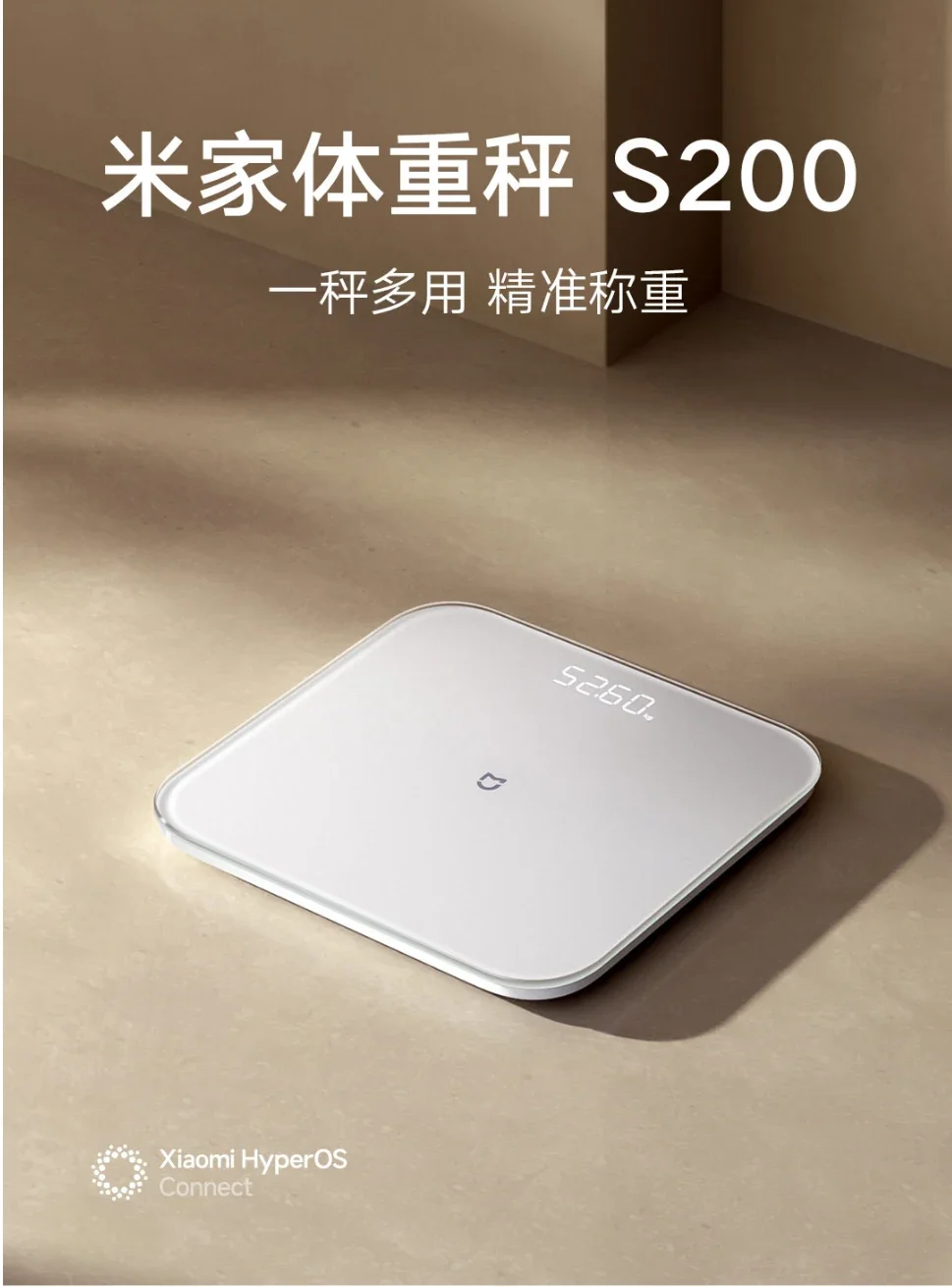
High precision sensor, with a minimum division of 0.05kg
Weighing people and objects, one scale is versatile
Obtaining four physical indicators at once
g. Kg scale unit can be switched
Accessing the Mi Home APP
180 days of ultra long endurance
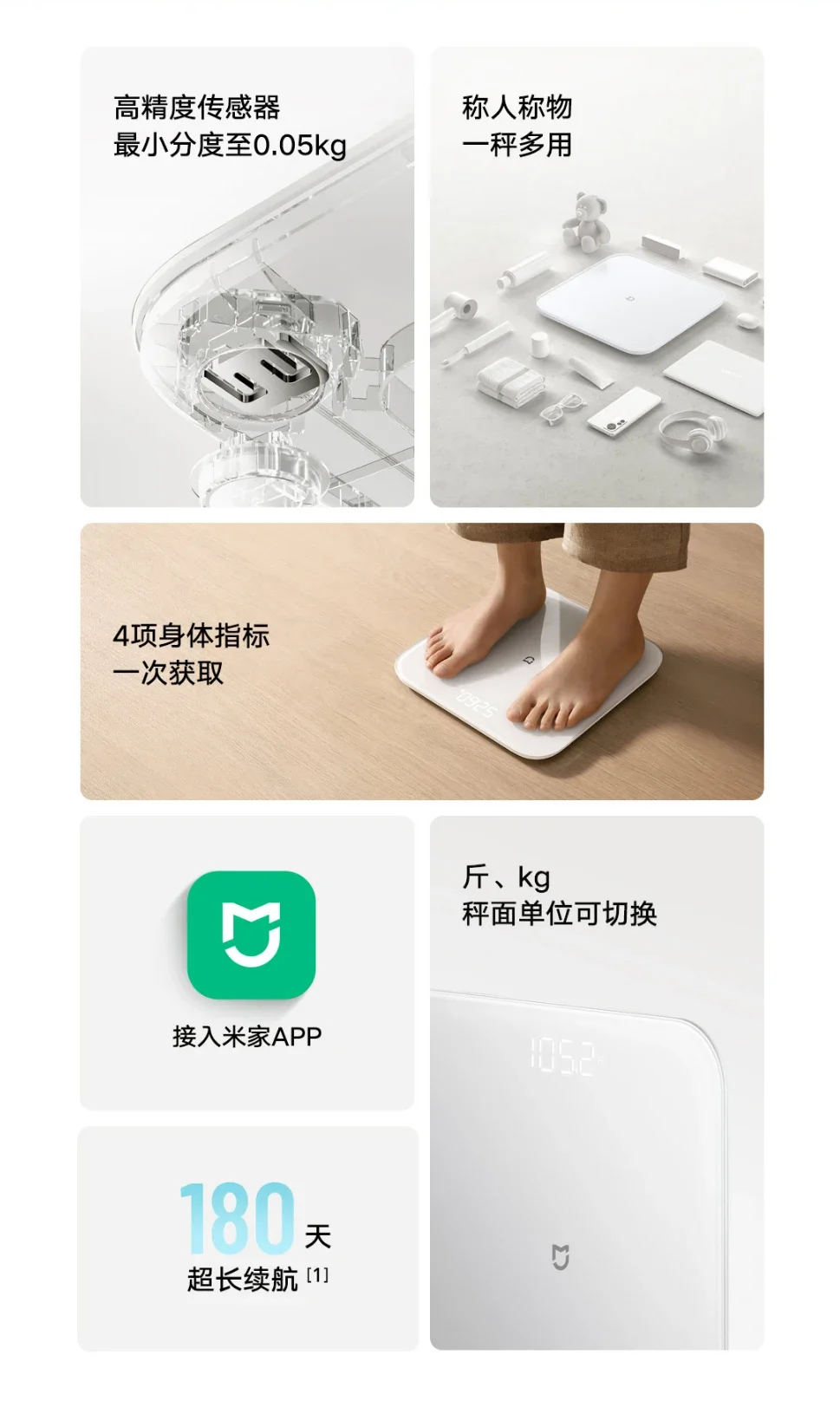
High precision sensors capture subtle weight changes
The Mijia Weight Scale S200 is equipped with a high-precision E-shaped manganese steel sensor, with a minimum division of 0.05kg. It can sensitively perceive daily weight changes, helping you achieve refined weight management.
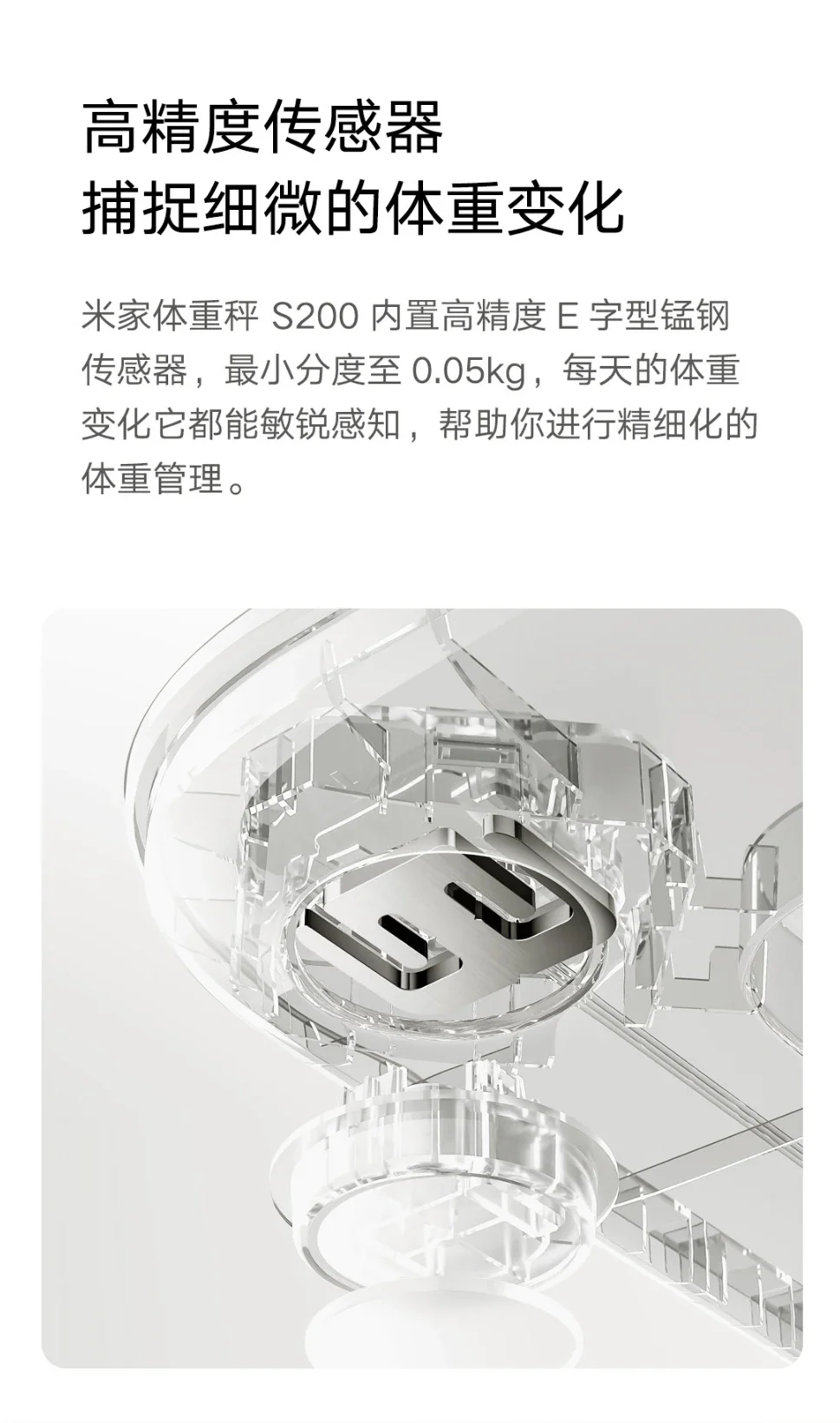
Weighing range from 0.1kg to 150kg
Calling people and objects, intelligent switching
After the scale is awakened, based on the current weighing value, it intelligently determines the weighing of small items and user weighing. The Mi Home app can also meet the needs of baby weighing and visitor weighing, and visitor weighing data is not saved.
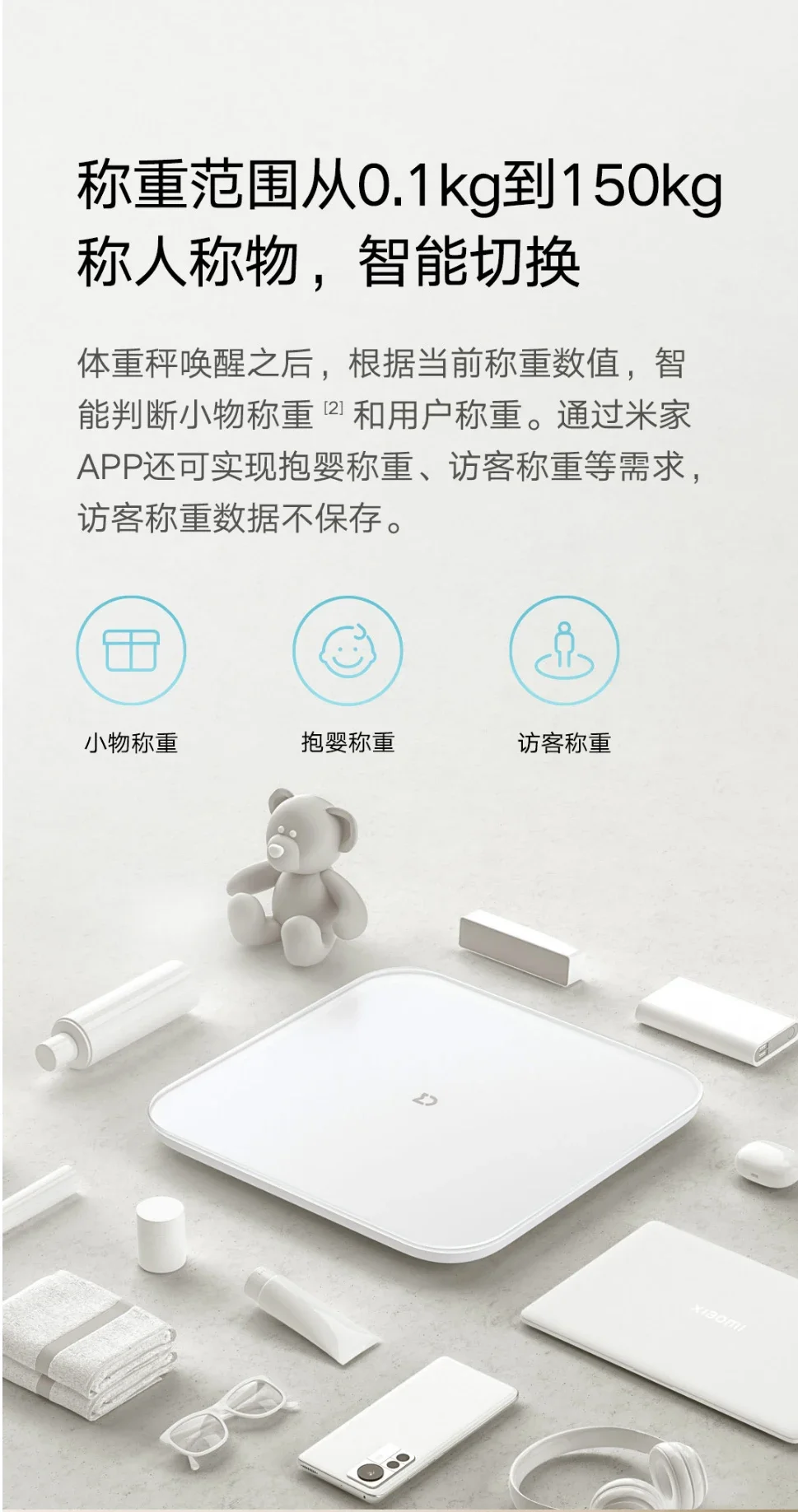
The new generation of Mijia weight scales
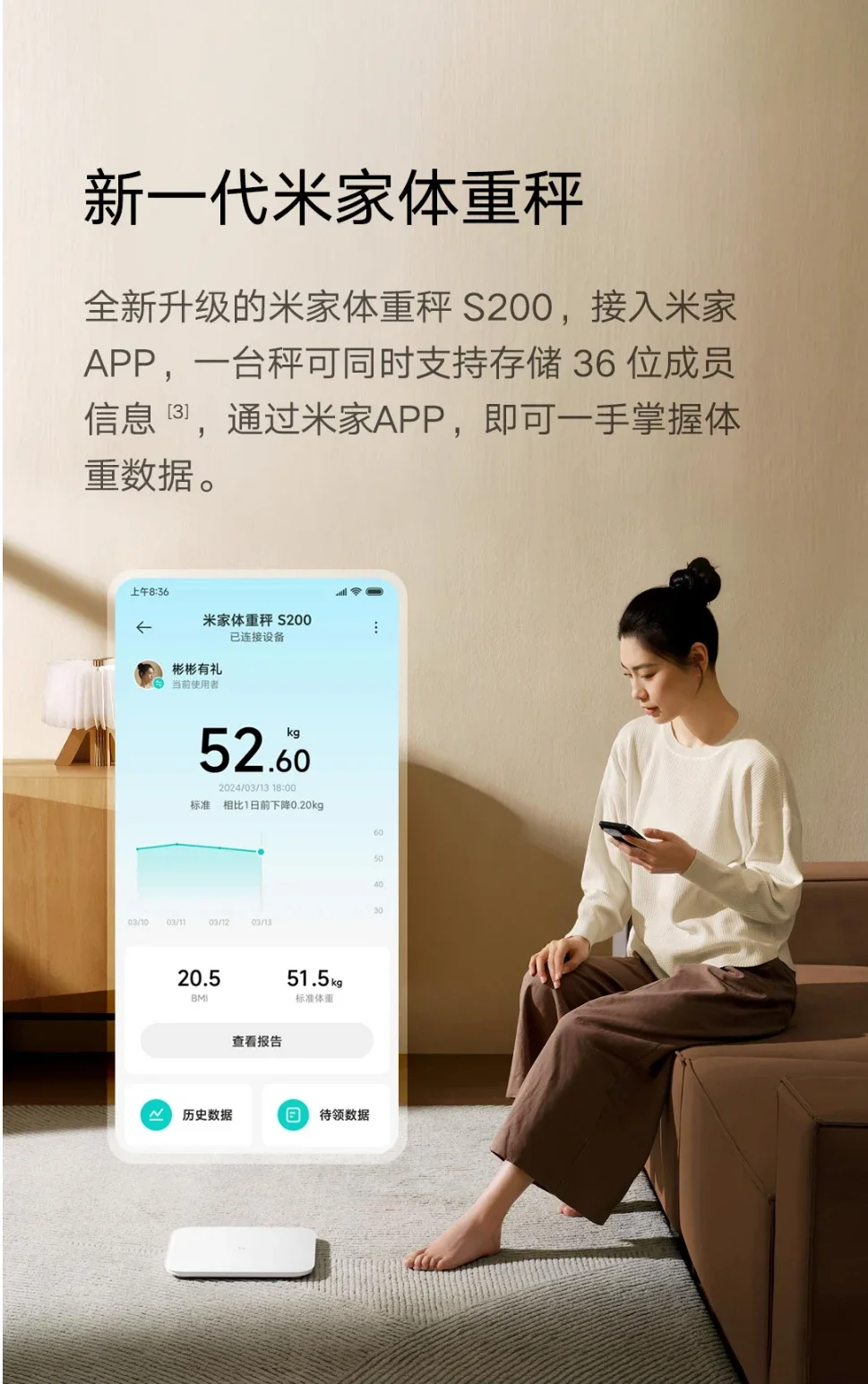
The newly upgraded Mijia Weight Scale S200, connected to the Mi home APP, can store 36 member information on one scale at the same time. With the Mi home APP, weight data can be easily accessed.
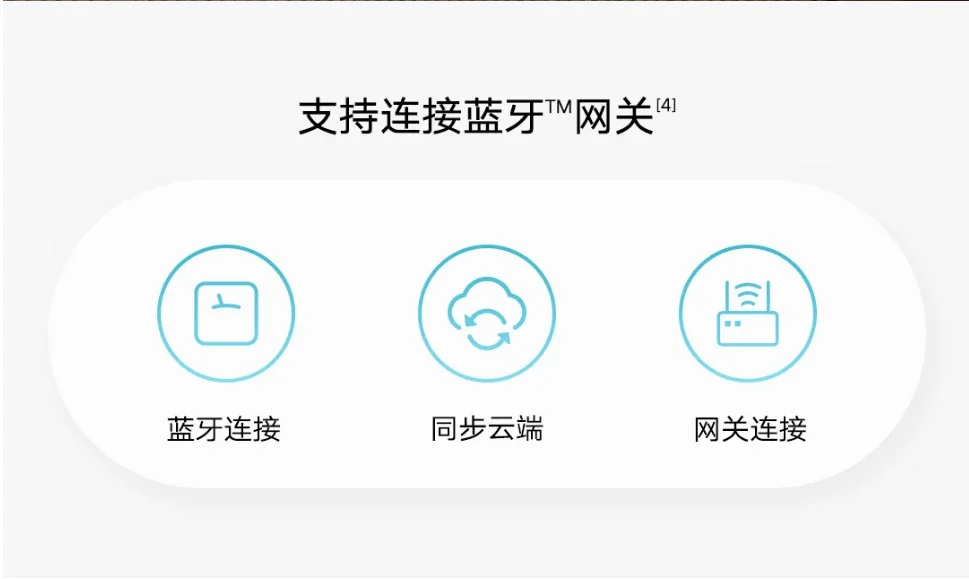
Supports connecting to Bluetooth gateway
Bluetooth connectivity
Synchronize cloud
Gateway Connection
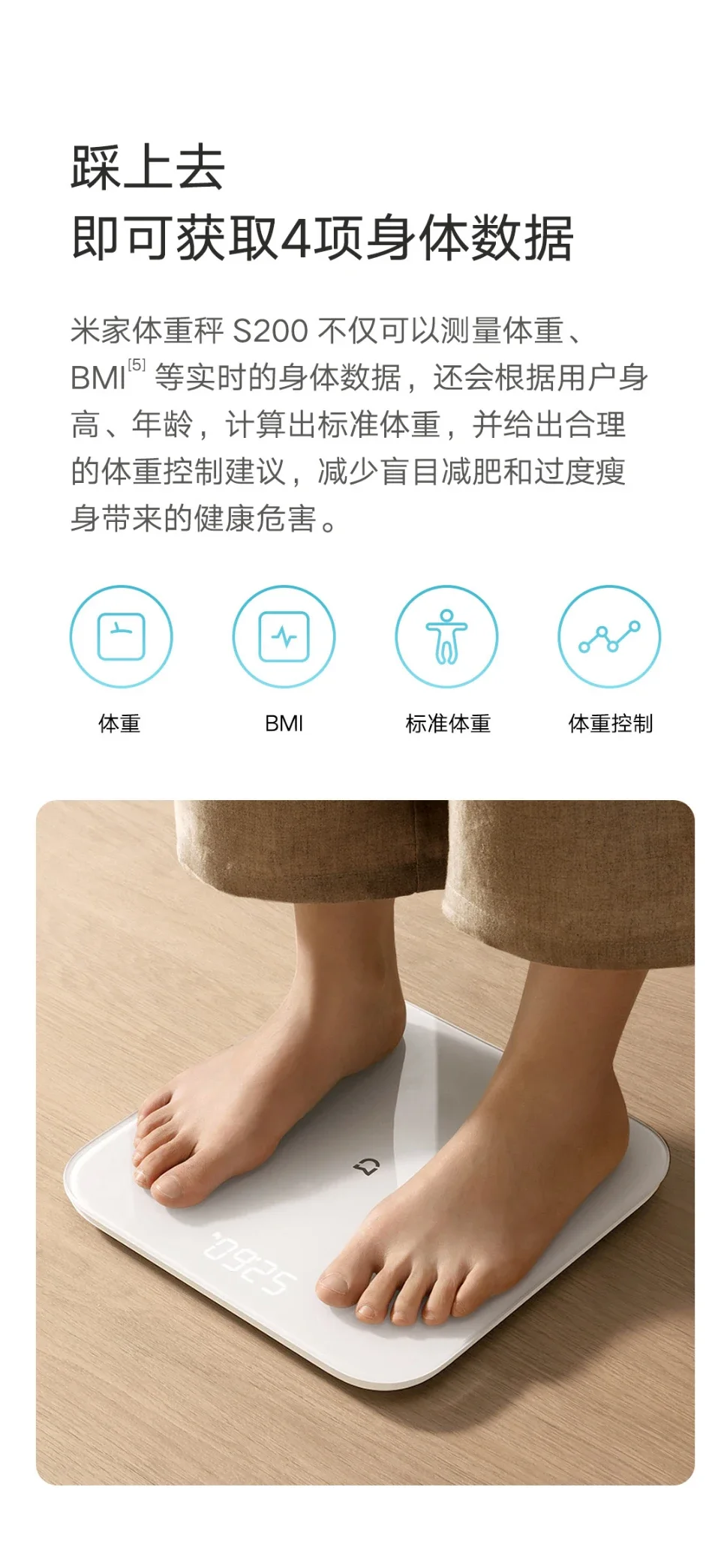
Obtain 4 body data items
The Mi family weight scale S200 can not only measure weight, but also Real time body data such as BMI will also calculate the standard weight based on the user's height and age, and provide reasonable weight control suggestions to reduce the health hazards caused by blind weight loss and excessive weight loss.
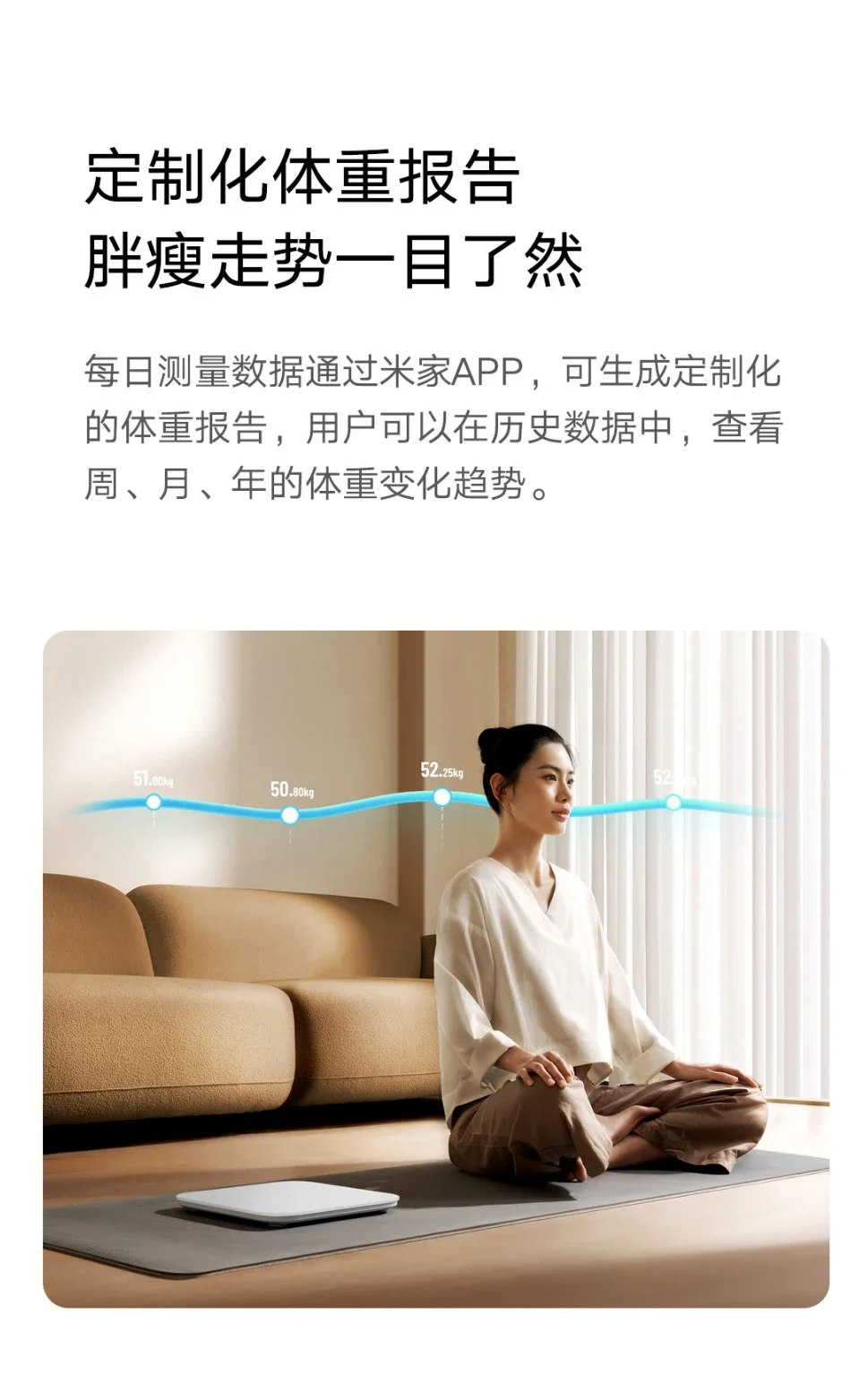
Customized weight report
The trend of obesity and thinness is clear at a glance
Daily measurement data can generate customized weight reports through the Mi Home app, and users can view weekly, monthly, and annual weight change trends in historical data.
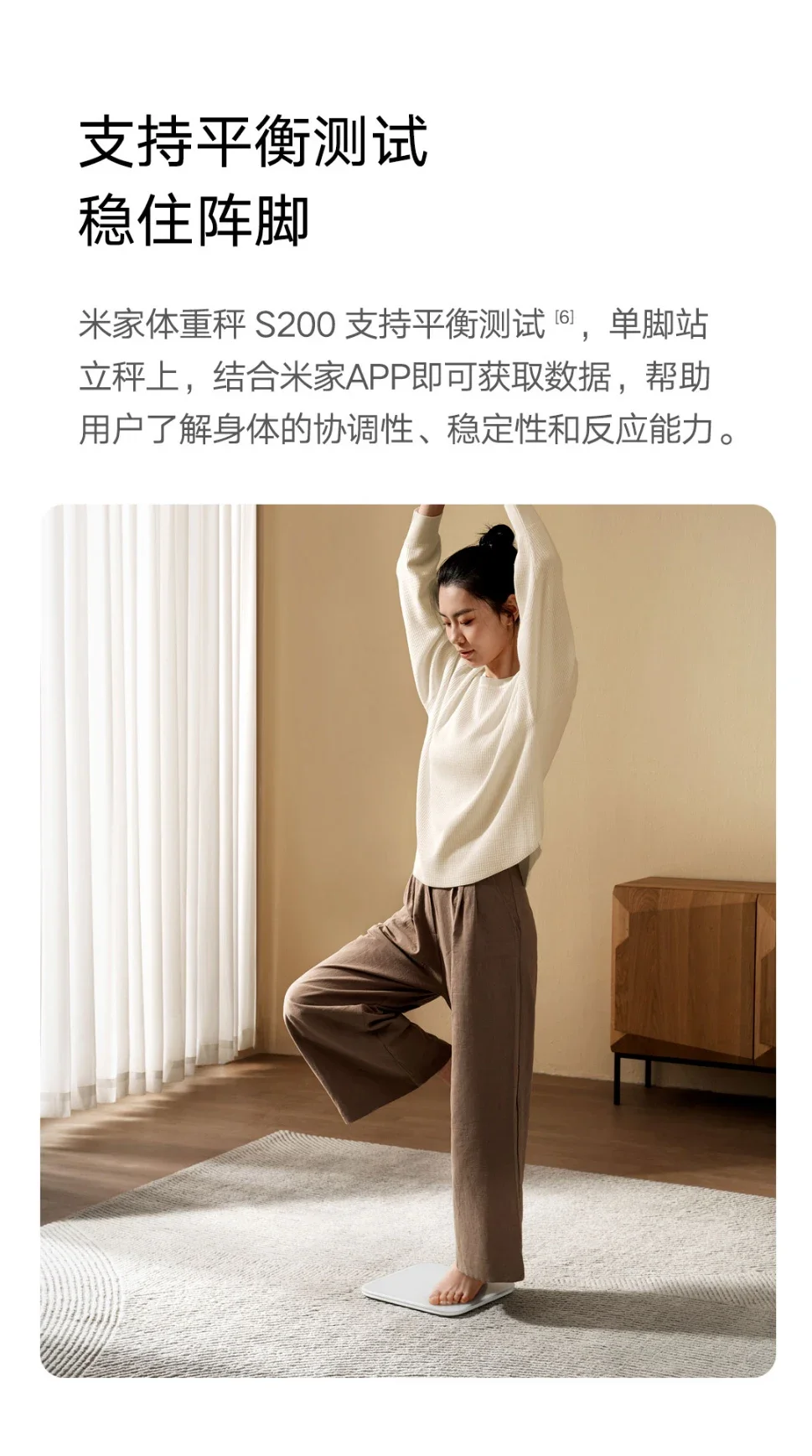
Support balance testing
The Mijia Weight Scale S200 supports balance testing, standing on one foot on the scale, combined with the Mi home APP to obtain data, helping users understand the coordination, stability, and responsiveness of the body.
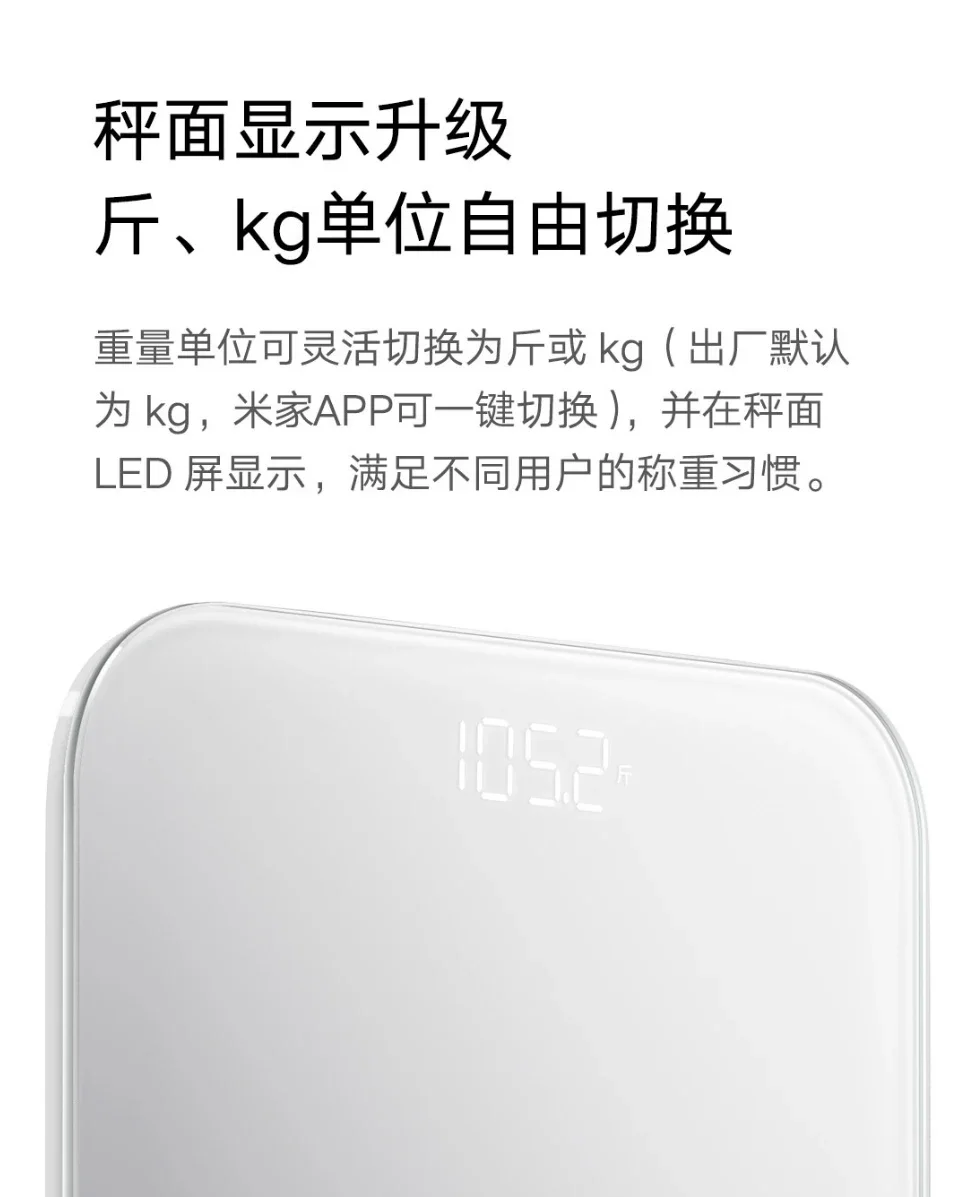
Upgrade the scale display, g. Free switching of kg units
The weight unit can be flexibly switched to g or kg (default to kg at the factory, one click switch on the Mi Home APP), and displayed on the LED screen of the scale to meet the weighing habits of different users.
Q&A
·· What APP can the Mijia Scale S200 be connected to for use?
1. The Mijia Scale S200 only supports binding and connecting with the Mi home APP;
2. Not supported with Xiaomi Sports and Health APP Connect and synchronize measurement data with Zepplife or other apps.
·· How to bind and connect the Mijia Scale S200 to an app for use?
For the first connection, the steps are as follows:
1. Download and open the Mi Home app;
2. Lightly step to awaken the scale;
3. Click on the "+" sign in the upper right corner of the Mi Home app, select "Add Device", and select "Mijia Scale S200" in the device list. Wait for the app to search for Mijia Scale S200;
4. Select the device you want to connect to, click "Connect Device", and wait for the connection to be successful. If the binding fails or the device is not found, please use the card pin to long press the reset button for 7 seconds to reset and then try again.
·· What should I do if the Mi Home app is unable to bind and connect to the scale?
Please follow the following instructions for operation:
1. Please gently step on and wake up the scale first;
2. Please confirm that the connection is bound in the Mi Home app. Please note that the scale does not support connecting to the Xiaomi Sports and Health app or other apps, nor does it support pairing connections in the phone settings>Bluetooth;
3. Please ensure that Mi home APP>My>More Settings>Region has been set to "Chinese Mainland";
4. Please ensure that the mobile operating system is upgraded to Android 8.0 or iOS 12.0 or above;
5. Please ensure that the Mi Home app is upgraded to iOS 8.7.204 or Android 8.7.703 or higher. If the version is lower, please upgrade or uninstall and reinstall;
6. If you still cannot connect, please open the battery cover at the bottom of the scale body, press and hold the reset button for 7 seconds, restart the Bluetooth on your phone, delete the scale on the Mi Home app, and rebind it for use.
·· What does it mean that the Bluetooth gateway is not connected?
1. The Bluetooth gateway is mainly used to synchronize measurement data when the scale is not connected to the APP. When the Mi Home app prompts "Bluetooth Mesh gateway not connected", it does not mean that the device is faulty, but rather that the scale is not connected to the Bluetooth gateway device;
2. This feature requires a Bluetooth gateway device at home. If not, please ignore it;
3. After binding the scale for the first time, please wait for 1-5 minutes. The scale will automatically establish a connection with the gateway. If it is not connected to the Bluetooth gateway after 5 minutes, you can try powering off and restarting the Bluetooth gateway.
·· What is a gateway and what are the gateway devices? Which devices at home have gateway functionality?
1. The Bluetooth gateway device is a device that combines the dual networking capabilities of Wi Fi and Bluetooth. It can access the Internet by itself, and can help Bluetooth gateway sub devices access the Internet;
2. You can visit the following website to view products that support Bluetooth gateways: https://home.mi.com/baike/index.html#/abel/ability/68896